Networks that just work. In every corner.
Routers, switches, firewalls and access points for offices, warehouses and homes. We survey the space, design the network, install and configure it, then keep it managed, so slow Wi-Fi and mystery outages stop being your problem.
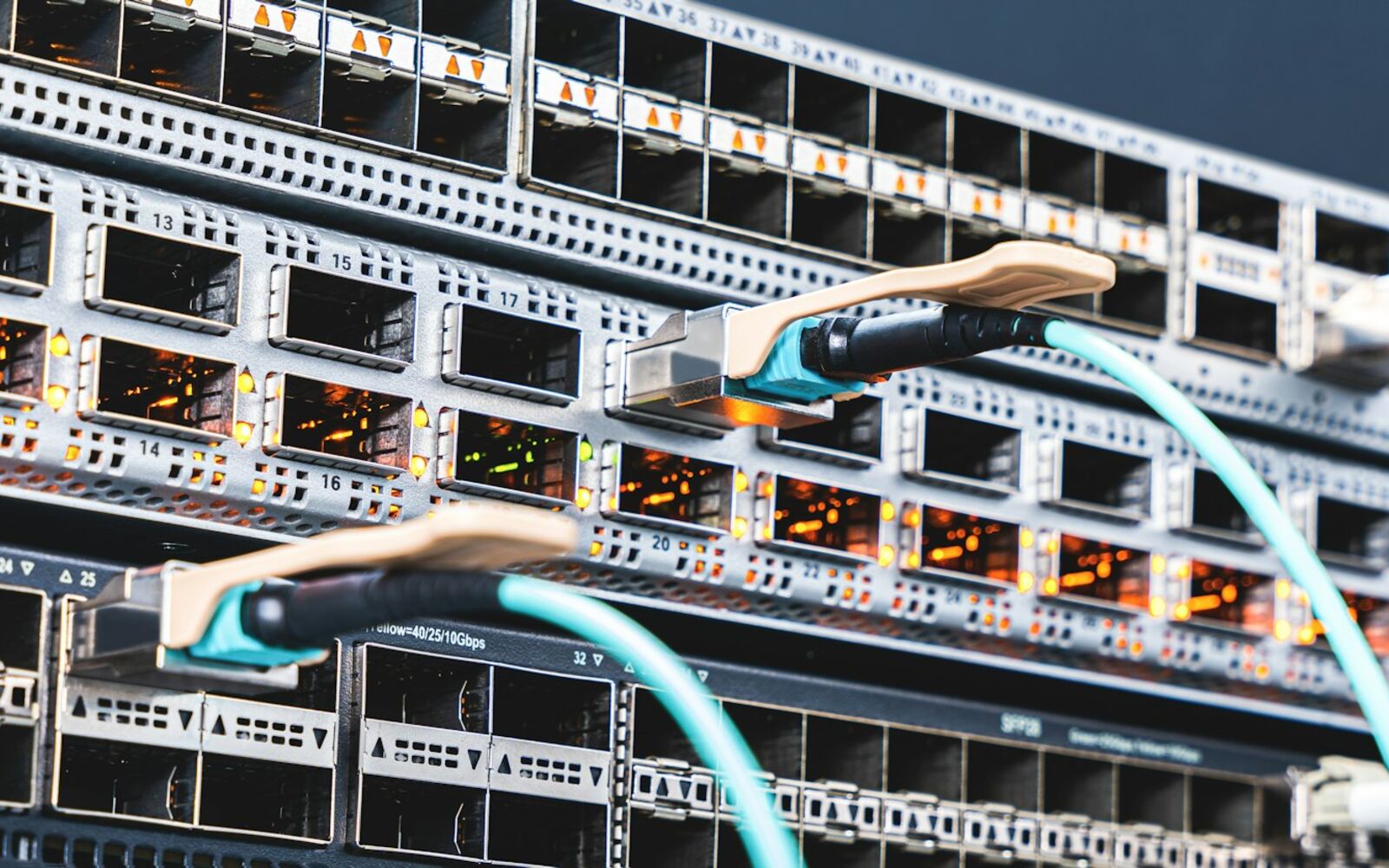
- Site survey first
- Installed and configured
- Segmented and secured
- Monitored and managed
The whole network, not just the Wi-Fi.
Good wireless depends on everything behind it, so we design and install the full path from the internet line to the device.
Wi-Fi access points
Ceiling and wall access points placed from a survey, so coverage follows the floor plan and devices roam between them without dropping.
Routers & firewalls
The edge of your network: firewall rules, VPN for remote staff and other sites, and a second internet line that takes over when the first one fails.
Switching & PoE
Managed switches sized for your port count, powering access points, cameras and phones over the same cable that carries their data.
Guest & staff networks
Separate networks for staff, guests, cameras and smart devices, so a visitor's laptop can't reach your file server.
Multi-site & point-to-point
Branch offices linked over VPN, and wireless bridges between buildings where running a cable isn't practical.
Monitoring & management
We watch the network after install, apply firmware updates, and make changes when you add staff, rooms or devices.
Coverage planned, not guessed.
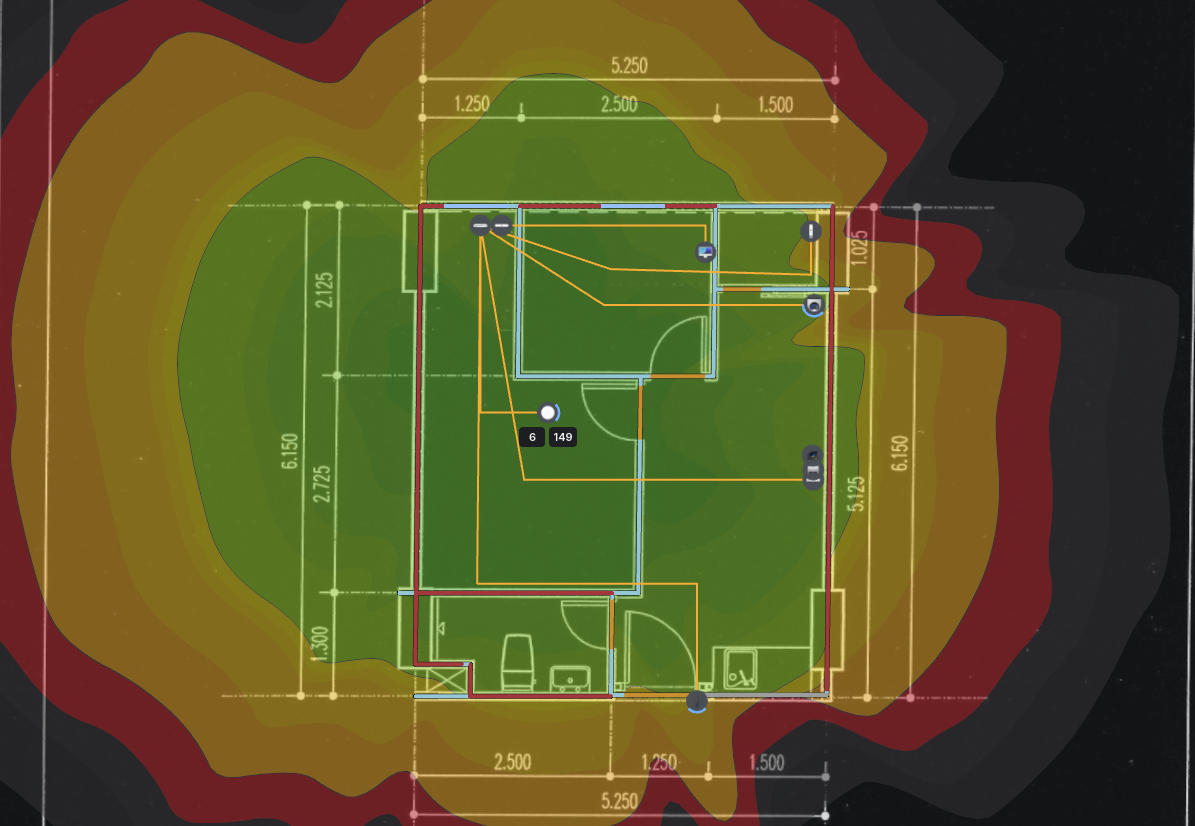
Most bad Wi-Fi comes from access points put where a cable happened to be. We work from the floor plan and measurements taken on site, and place each one where it's needed.
- Site survey of walls, distances and interference before anything is ordered
- Access points mounted on ceilings or walls and powered over Ethernet
- Roaming tuned so calls survive a walk across the building
- High-density areas such as meeting rooms and shop floors planned separately
- Outdoor coverage for yards, parking lots and patios
Segmented by default.
A flat network, where every device can see every other device, is how one infected laptop becomes everyone's problem. We split the network up and only open what needs to be open.
- VLANs for staff, guests, cameras, phones and smart devices
- Firewall rules between them, written down and handed over
- VPN for remote staff and between sites
- Guest Wi-Fi with its own password or a sign-in page
- Automatic failover to a second internet connection
Installed, documented, looked after.
You get a network diagram, labeled ports and the admin credentials. We keep managing the network for as long as you want us to, and it stays yours either way.
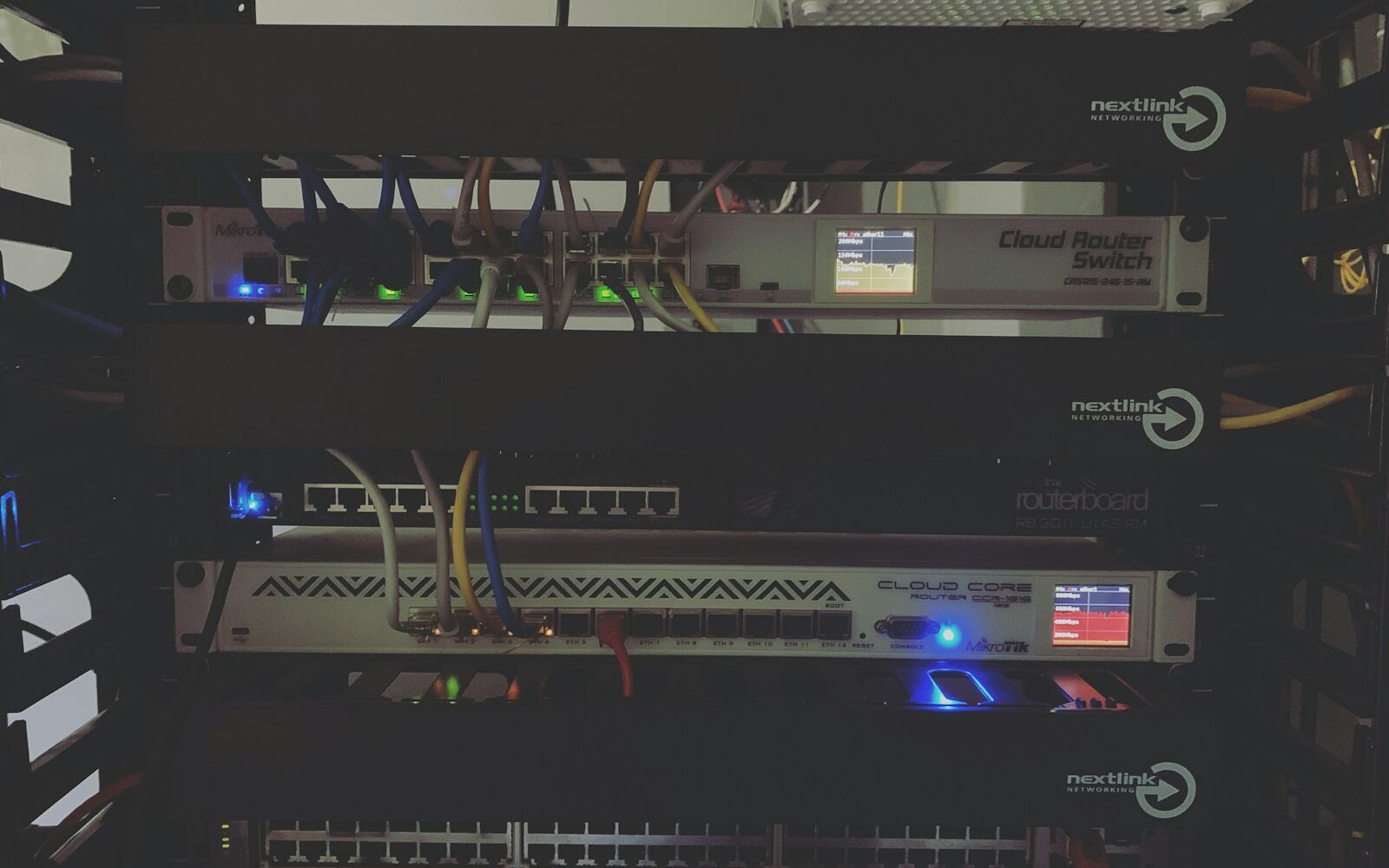
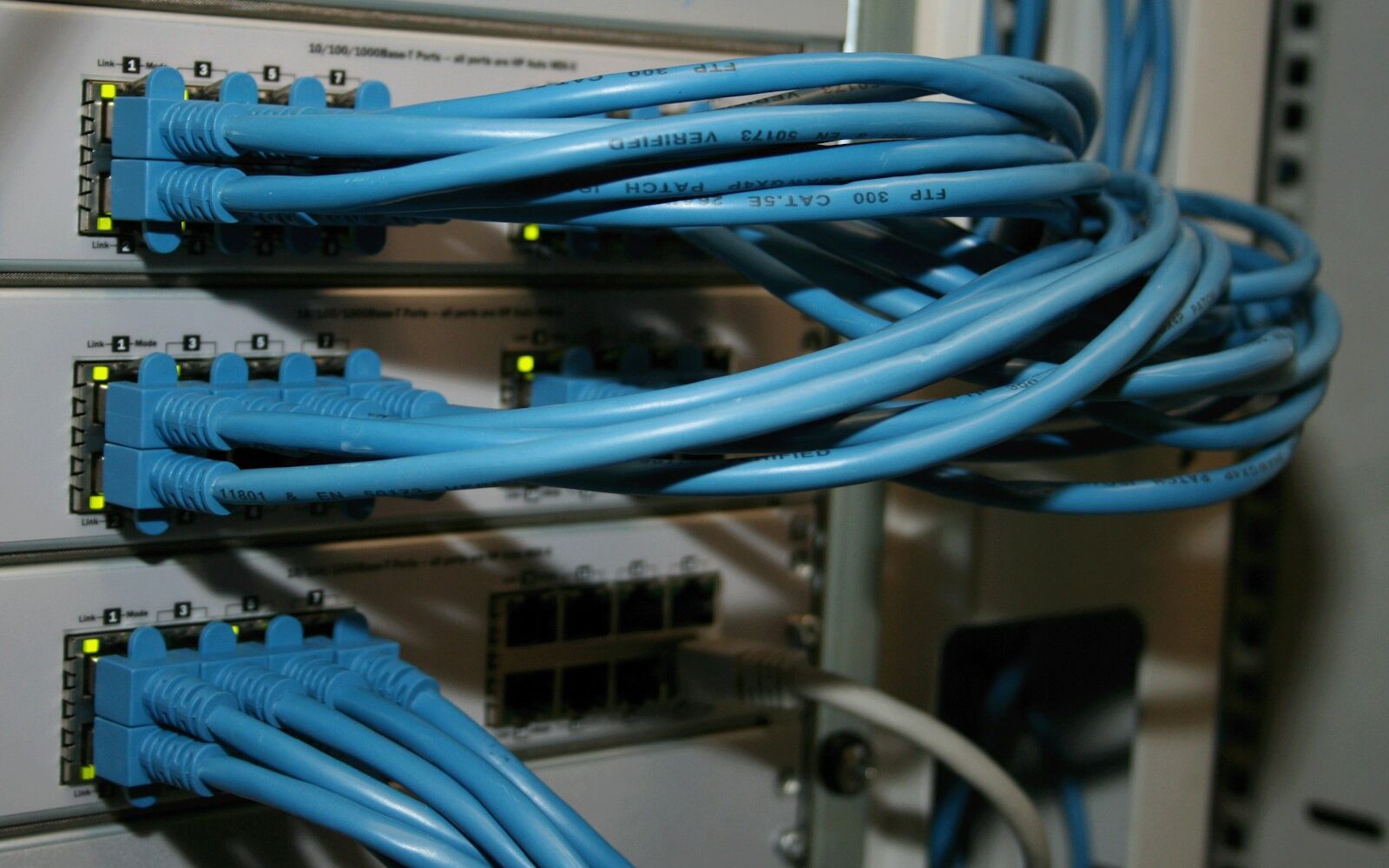
- Rack or cabinet built and cabled neatly, with every port labeled
- Network diagram and configuration backups
- Firmware updates applied by us
- Alerts when a device goes offline, usually before anyone notices
- Changes and additions handled by email
Sized to the space.
The approach is the same. The equipment changes with the building.
Offices
Reliable Wi-Fi at every desk and meeting room, with staff and guests kept apart.
Warehouses
Coverage down long aisles and around racking, for scanners, tablets and cameras.
Shops & hospitality
Guest Wi-Fi that's separate from the registers, and a backup line for card payments.
Homes
Whole-home coverage, wired backhaul, and a proper network for home offices and smart devices.
Networking questions
The things people ask before we start.
Yes. For anything larger than a small office we visit, measure and plan before quoting hardware. For small sites a floor plan and a few photos are often enough.
Often, yes. If the existing hardware is sound we'll reconfigure and extend it. If it's the cause of the problem we'll say so and explain why.
Yes. Access points and switches need cable, and we install it ourselves. See our structured cabling page.
We can, or you can. You get the documentation and credentials either way. Most customers keep us on for monitoring, updates and changes.
Yes. We link offices over site-to-site VPN so they share files, phones and printers, and use wireless bridges between nearby buildings.
Yes. Larger homes, home offices and houses full of smart devices benefit from the same approach: wired access points, a proper router, and separate networks.
Wi-Fi that reaches every corner?
Tell us about the space: size, number of people, and what isn't working today. We'll come back with a plan and a quote.